About Course
This course provides a practical introduction to Microsoft Power BI, equipping learners with the skills to import, transform, model, analyze, and visualize data to support data-driven decision-making. Participants will learn how to work with Power BI Desktop, build effective data models, create relationships between tables, and develop calculations using DAX (Data Analysis Expressions).
The course covers essential DAX functions, including SUM, SUMX, CALCULATE, IF, SWITCH, and WEEKDAY, while developing learners’ ability to create calculated measures and apply conditional logic. Learners will also explore Power BI’s visualization capabilities, including charts, cards, slicers, and interactive reports.
Through practical examples and problem-solving activities, participants will learn how to transform raw datasets into interactive dashboards and meaningful business insights. By the end of the course, learners will be able to develop structured Power BI reports, apply appropriate analytical techniques, and communicate data-driven insights effectively.
Key Topics
- Introduction to Power BI and Power BI Desktop
- Importing and working with data
- Data modelling and relationships
- DAX fundamentals and calculations
SUM,SUMX, andCALCULATE- Conditional logic using
IFandSWITCH - Date analysis using
WEEKDAY - Data visualization and report design
- Interactive filters and slicers
- Building dashboards and communicating insights
Learning Outcomes
By the end of the course, learners will be able to:
- Navigate and use Power BI Desktop effectively.
- Import and prepare datasets for analysis.
- Build and manage relationships between tables.
- Develop basic and intermediate DAX measures.
- Apply functions such as
SUM,SUMX,CALCULATE,IF, andSWITCH. - Perform basic date-related analysis using DAX.
- Select appropriate visualizations for different analytical questions.
- Build interactive reports and dashboards.
- Interpret and communicate insights from data.
- Apply Power BI to practical business and analytical problems.
Course Content
Power BI Fundamentals
-
Introduction to Power BI 2
02:11 -
Power BI Introduction
01:08 -
Installing PBI Desktop
06:24
Dax Fundamentals
Data Modelling
Data Visualization
Quiz
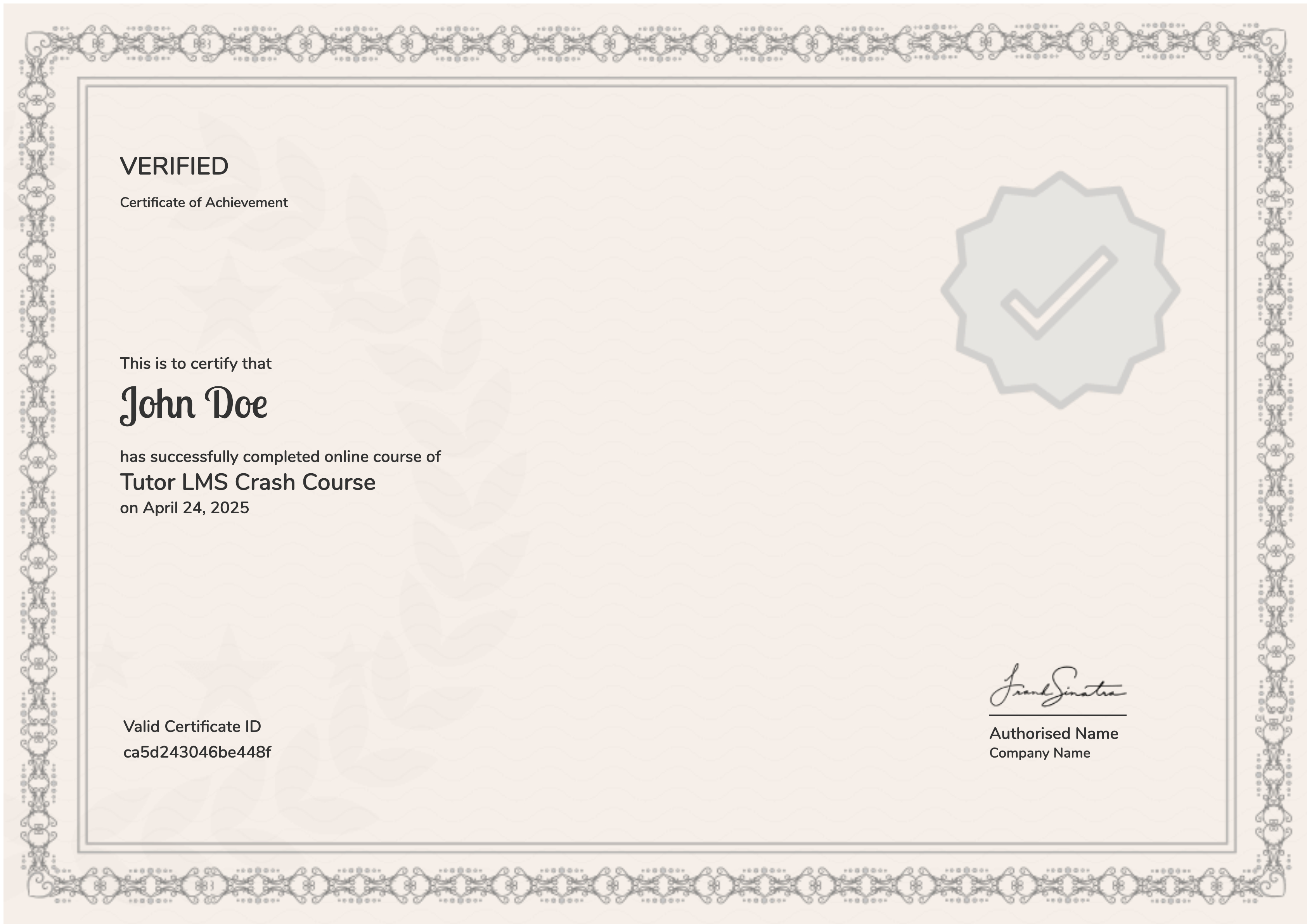
Earn a certificate
Add this certificate to your resume to demonstrate your skills & increase your chances of getting noticed.